Get the app
Home-screen apps. Not a store download — your phone turning this site into its own icon.



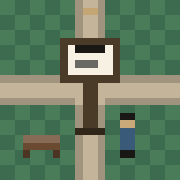
The Commons
Walk the plaza. Guests can walk. Your house opens when you are signed in. Add it to your Home Screen from inside the plaza and it keeps this icon.
How it works
Open the one you want, then add that page to your Home Screen. Each keeps its own icon and opens straight into that part of LiquidGov.
iPhone: Share → Add to Home Screen. Use Safari or Brave (not Chrome).
Android: ⋮ menu → Install app (or Add to Home screen).